
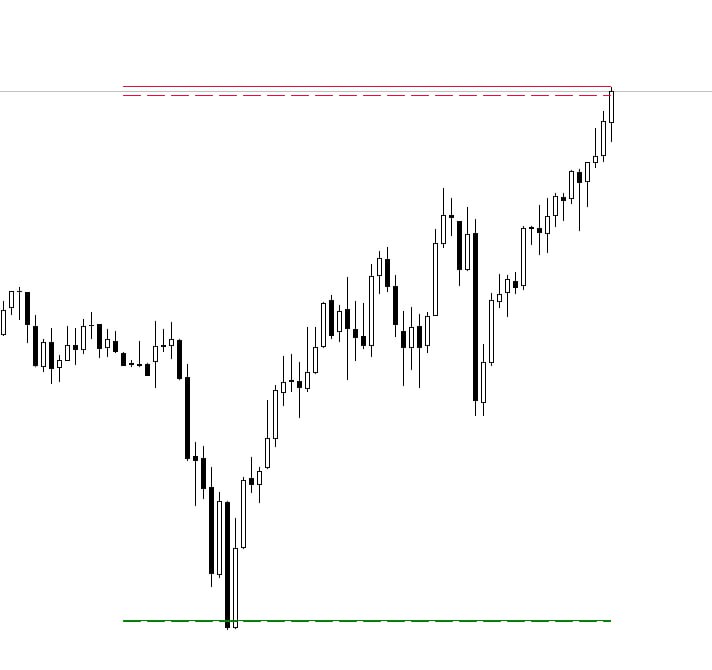
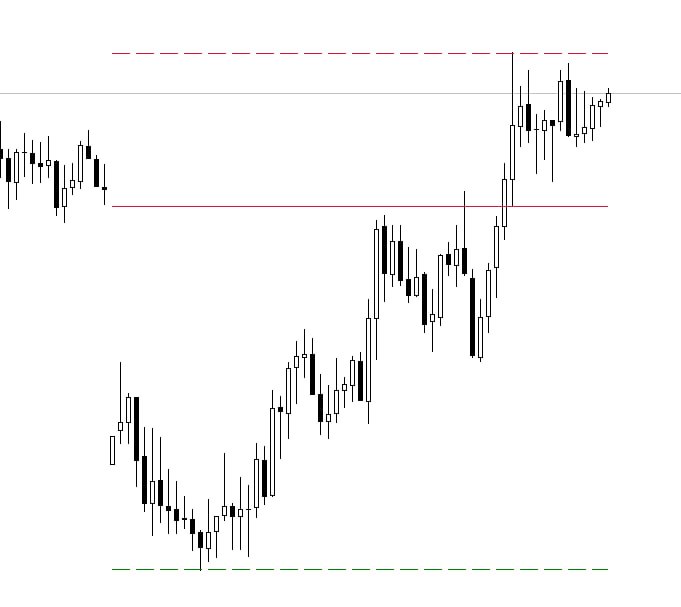
Daily Range Indicator
Daily Range Indicator (ADR): Target Levels and Dynamic Market Range
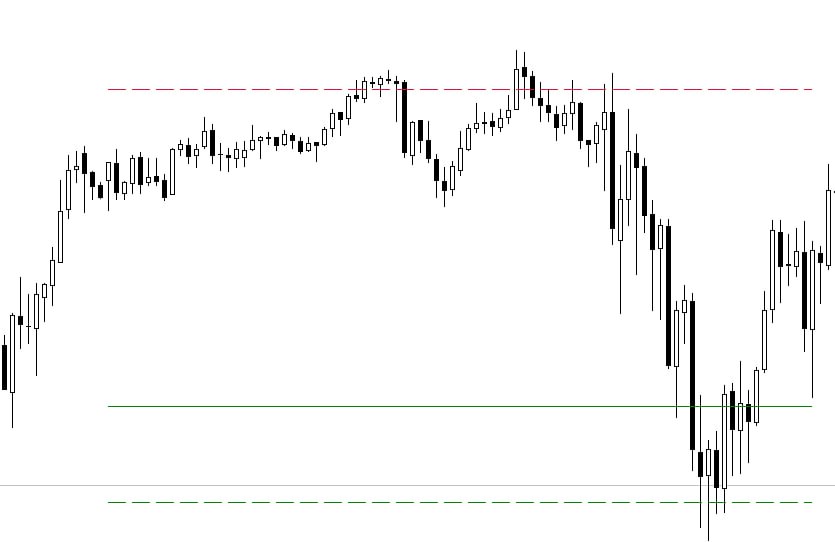
The Daily Range Indicator displays the Average Daily Range (ADR) and plots target levels directly on the chart for both fixed and dynamic range scenarios. Using the daily opening price as a reference point, the indicator draws clear levels that help traders quickly evaluate how much of the day's potential movement has already been realized and where price exhaustion may occur.
Why the Daily Range Matters in Trading
Understanding the daily range can significantly improve intraday decision-making. The indicator helps traders:
- Estimate the potential of the trading day: identify when the average range is already exhausted.
- Set realistic profit targets: use statistically derived range levels as targets.
- Filter trade entries: identify zones where the probability of further movement decreases.
Key Features of Our Indicator
Unlike traditional ADR tools, this indicator uses multi-period analysis and calculates levels based on proprietary mathematical formulas. A server-side optimization system continuously evaluates different parameter sets. When more efficient settings are discovered, updated values are automatically delivered to the indicator, helping maintain optimal performance under changing market conditions.
Another important feature is the inclusion of dynamic range levels. Unlike static levels that remain fixed throughout the day, dynamic levels can adapt to price movement in real time, allowing traders to monitor the evolving structure of the market more accurately.
Backtest Function: Analyze Historical Performance Instantly
The indicator includes a convenient Backtest mode: simply enable the feature and click on any section of the chart to see how the range levels behaved during that period. This makes it easy to study market reactions and gain confidence in the indicator's signals.
Installation and Setup
The Daily Range Indicator works immediately after installation and does not require manual configuration: all essential parameters have already been optimized during the development process.
Для покупки товара в нашем интернет-магазине выберите понравившийся товар и добавьте его в корзину. Далее перейдите в Корзину и нажмите на «Оформить заказ» или «Быстрый заказ».
Когда оформляете быстрый заказ, напишите ФИО, телефон и e-mail. Вам перезвонит менеджер и уточнит условия заказа. По результатам разговора вам придет подтверждение оформления товара на почту или через СМС. Теперь останется только ждать доставки и радоваться новой покупке.
Оформление заказа в стандартном режиме выглядит следующим образом. Заполняете полностью форму по последовательным этапам: адрес, способ доставки, оплаты, данные о себе. Советуем в комментарии к заказу написать информацию, которая поможет курьеру вас найти. Нажмите кнопку «Оформить заказ».
Дополнительная вкладка, для размещения информации о магазине, доставке или любого другого важного контента. Поможет вам ответить на интересующие покупателя вопросы и развеять его сомнения в покупке. Используйте её по своему усмотрению.
Вы можете убрать её или вернуть обратно, изменив одну галочку в настройках компонента. Очень удобно.

Need a Consultation?
Our specialists will answer any questions you may have